|
|
 |
Maple Professional
Maple Professional is the flagship of the tree
outline managers for power users.
It offers all features of Maple, plus several advanced commands
of interest to the professional users. The advanced features of
the Professional edition are:
Finder - an advanced search utility. It
makes it easier to search for Maple tree files. When you use Finder,
you can specify several search criteria. For example, you can search
for tree files in the specified folder. You can even search for
files containing specific text.
Backup system. Now you can easily create
a backup copies of your tree. Maple backup system supports .zip
and .cab compression.
Built-in file encryptor. You are likely
to have confidential documents on your computer, which you may want
to encrypt. Encryption Wizard will help you to protect any information.
It uses a very strong Blowfish crypto-algorithm. Protected files
cannot be decrypted without the correct password.
Built-in Calculator. You can use Calculator
to perform any of the standard operations for which you would normally
use a handheld calculator. Calculator performs basic arithmetic,
such as addition and subtraction.
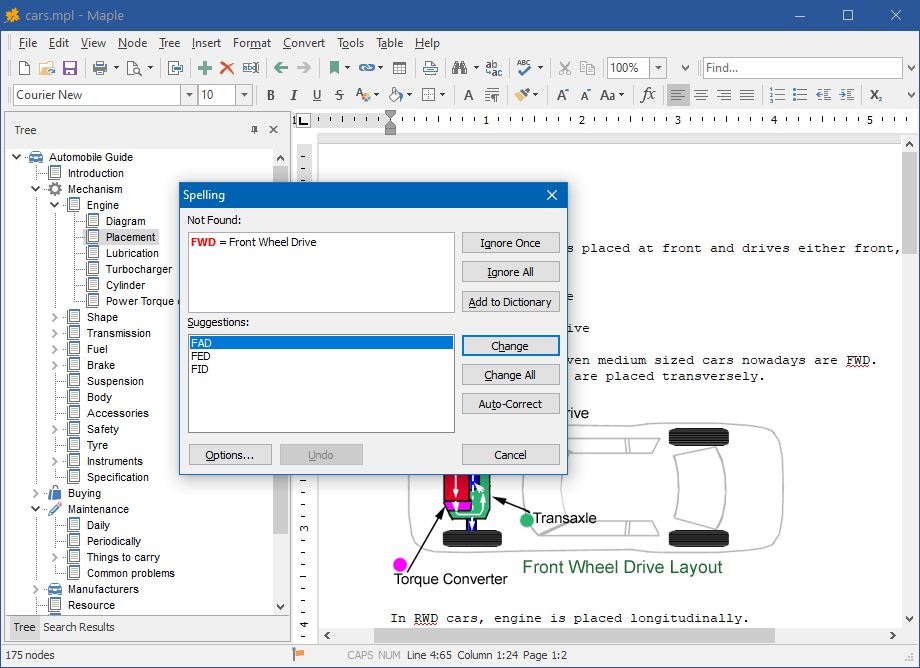
Integration with Microsoft Word Spell Checker, Grammar
Checker and thesaurus. If you have Microsoft Word installed
in your system, you can use all benefits of it's spelling system.
In addition to built-in Maple Spell Checker, you can perform grammar
check or search for synonyms with thesaurus.
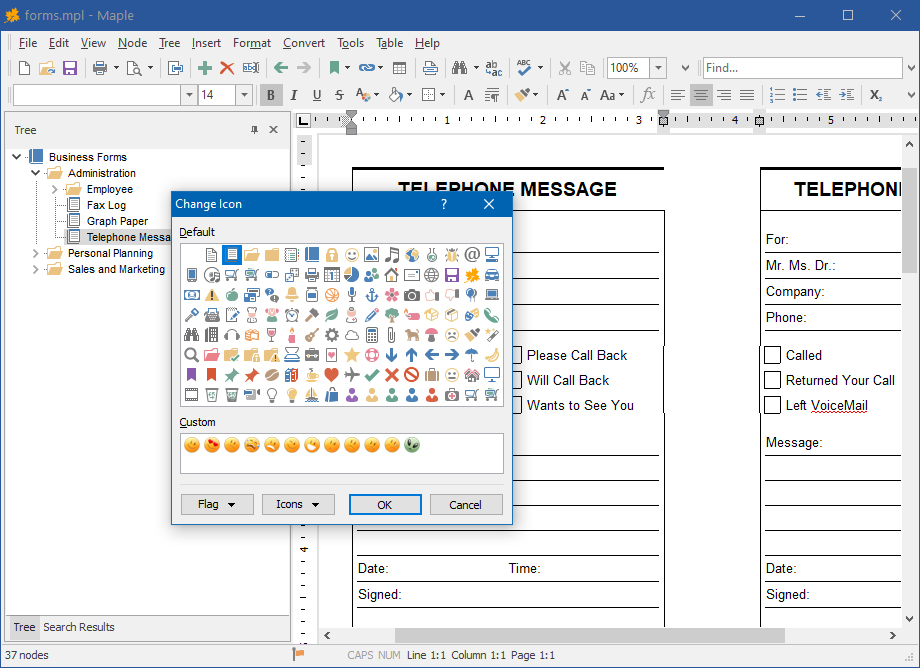
Custom node icons. Now you can use custom
icons to brighten up your tree or identify key nodes.
Web Tree. You can export Maple tree outline and all documents to
a set of .html files and view these trees in a Web browser, or publish
them on a Web sites. Click here to see a sample.
HTML Help. This feature converts Maple tree to Microsoft® HTML Help file (.chm), the standard help system for the Windows platform.
Import folder content. You can import multiple documents into the
tree with a one click.
Export/Import Settings Profile feature.
You can create a number of settings profiles and import them without
restarting Maple.
Ordering Information
You may try out Maple Professional without
any costs for the period of 30 days. If you wish to keep on using
it after this period, you should purchase a license.
Registration gains access to the some advanced features:
Minimize to Tray feature
Print feature
Bookmark feature
Full Screen mode
File Size option in Finder
The price per single-user license of Maple Professional is US$
30.95. If your company or institution is interested in licensing
Maple Professional for several users, you can save a lot of money
by purchasing a multiple-user license. Please click
here to find the price of Maple Professional licenses.
Download
| Product |
Version |
Size |
Download
Link |
Maple Professional |
7.11 |
8.12 MB |
Download |
Spelling Pack
This package contains an extra spelling
dictionaries for Maple, Maple Professional, and Crystal Office.
Available dictionaries: Brazilian Portugues, Danish, Dutch, English (UK), English Medical, English Technical, Finnish, French, German, Italian, Norwegian, Portugue, Spanish, Swedish.
|
|
3.84 MB |
Download |
|
|
|