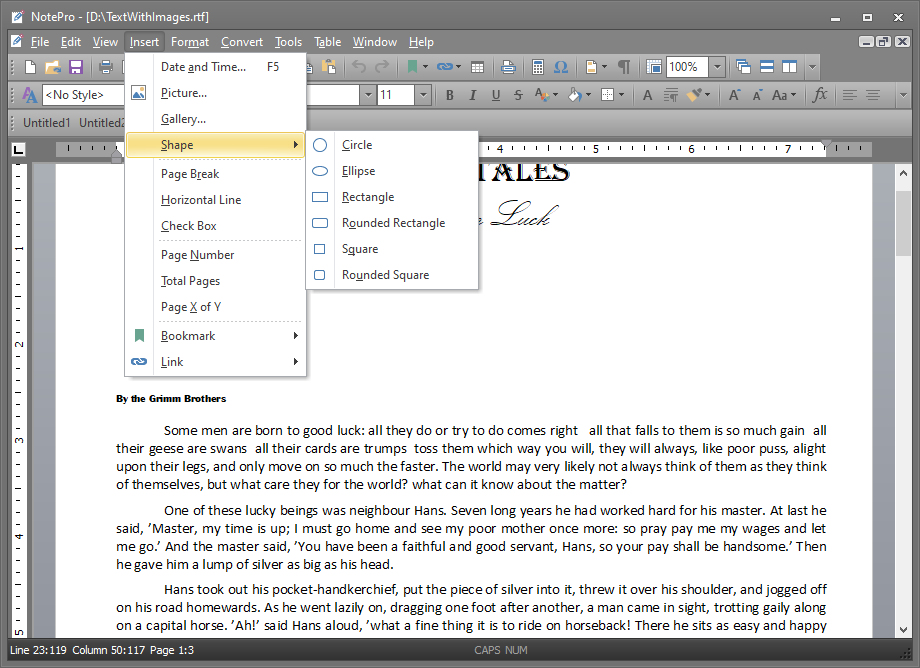
NotePro is a text editor, which sits somewhere between WordPad (the editor bundled with Windows) and full blown word processor.
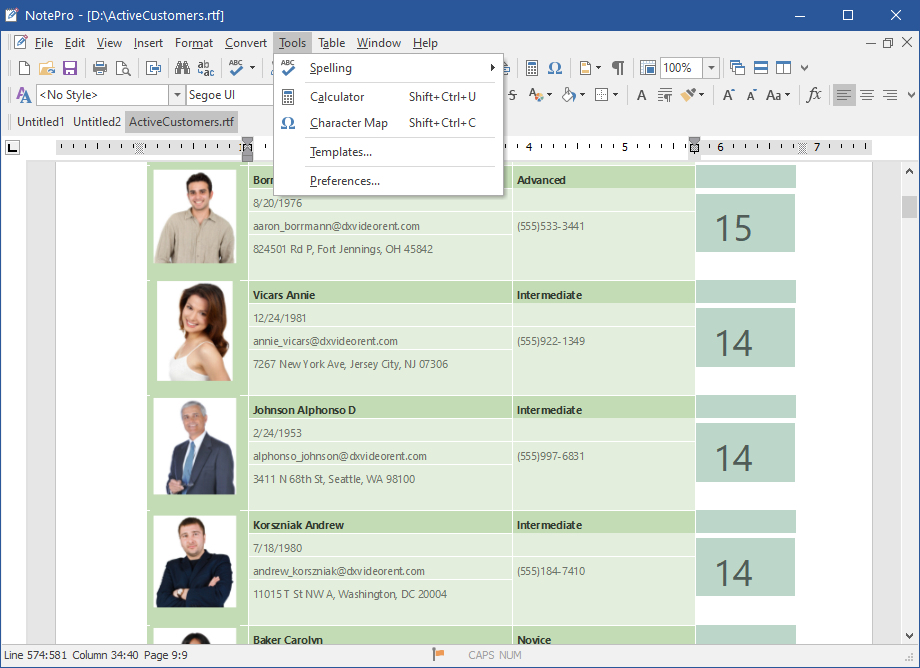
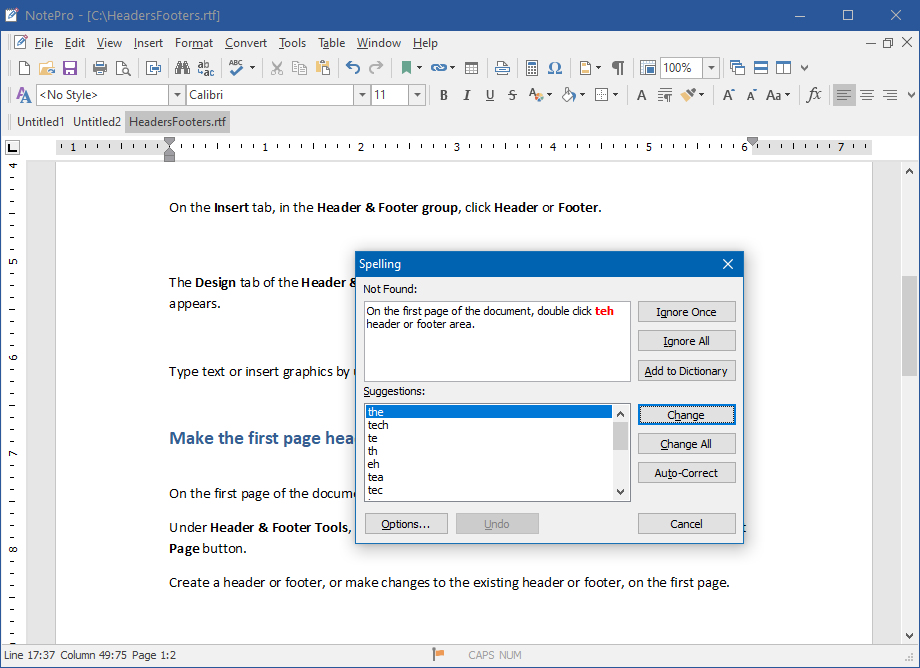
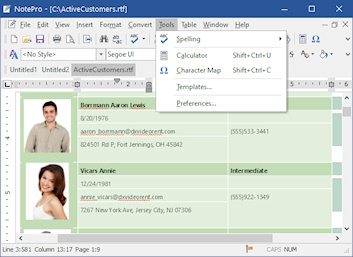
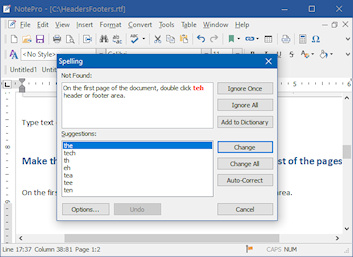
Taking WordPad as the yardstick, I'll run through some of the features NotePro has. The first obvious inclusion - and a god send if your typing is much like mine - is a spell checker and thesaurus. The default language is American English, but additional languages (English, technical English, Dutch, Finnish, French, German, Italian and Portuguese) are available from the Crystal Office website.
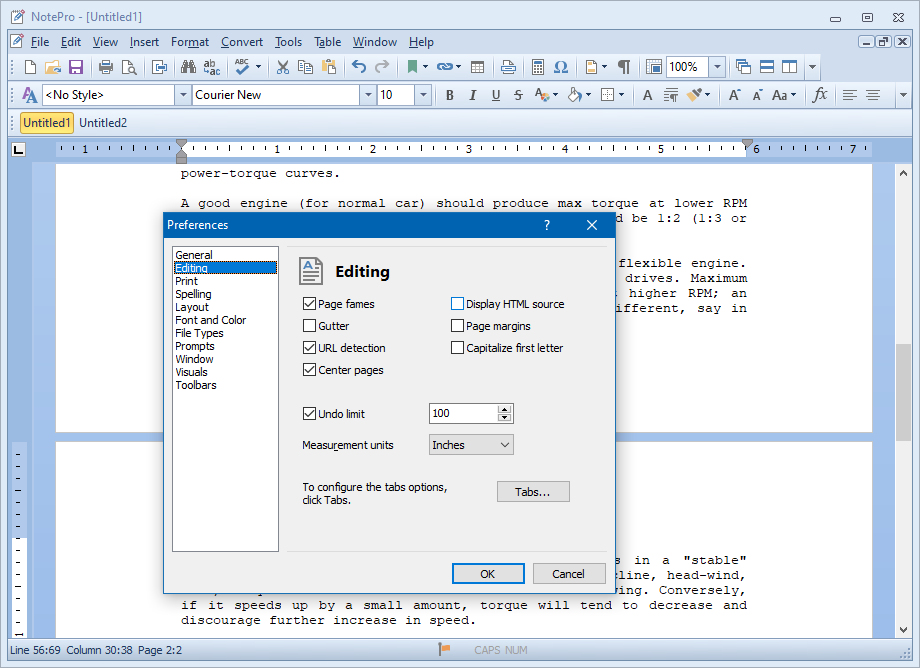
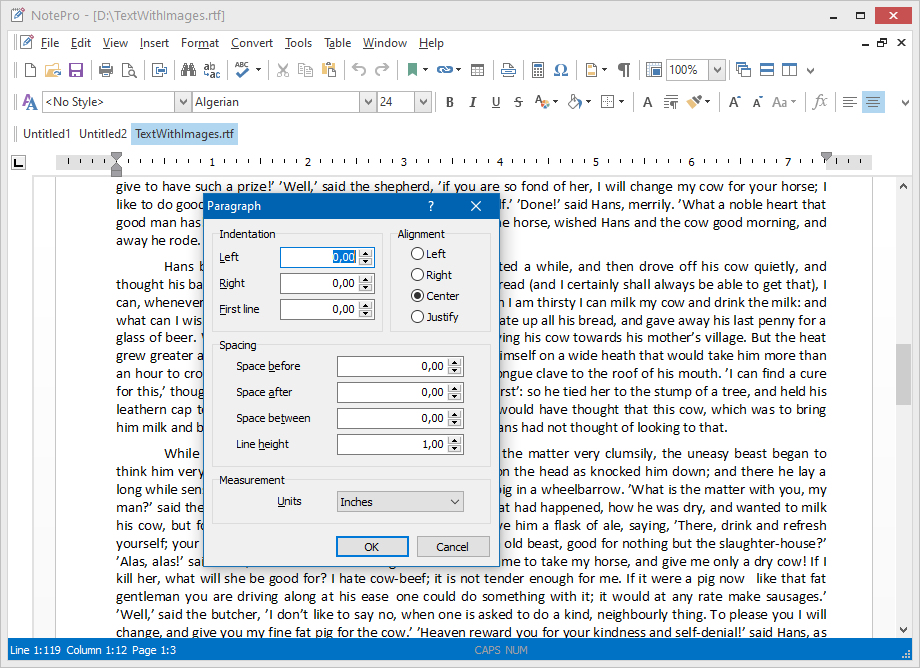
The interface has all the modern features, like XP style menus and adjustable toolbars, and drag and drop editing. NotePro can also open multiple documents, and one of the toolbars allows you to select between documents, in a similar way to the taskbar in Windows allows you swap between running programs. This makes swapping between files a lot quicker than having to use the Window menu. Another nice feature is the option to have fonts displayed in the font selection drop down.
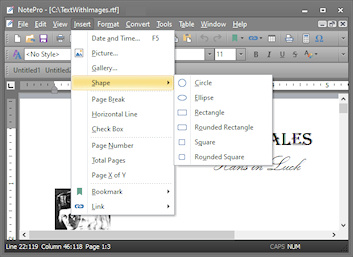
NotePro can be edit plain text, rich text, Microsoft Word, Windows Write and HTML documents. In the registered version of the program, documents can also have objects and pictures added into them, so you want to brighten up your work, you can.
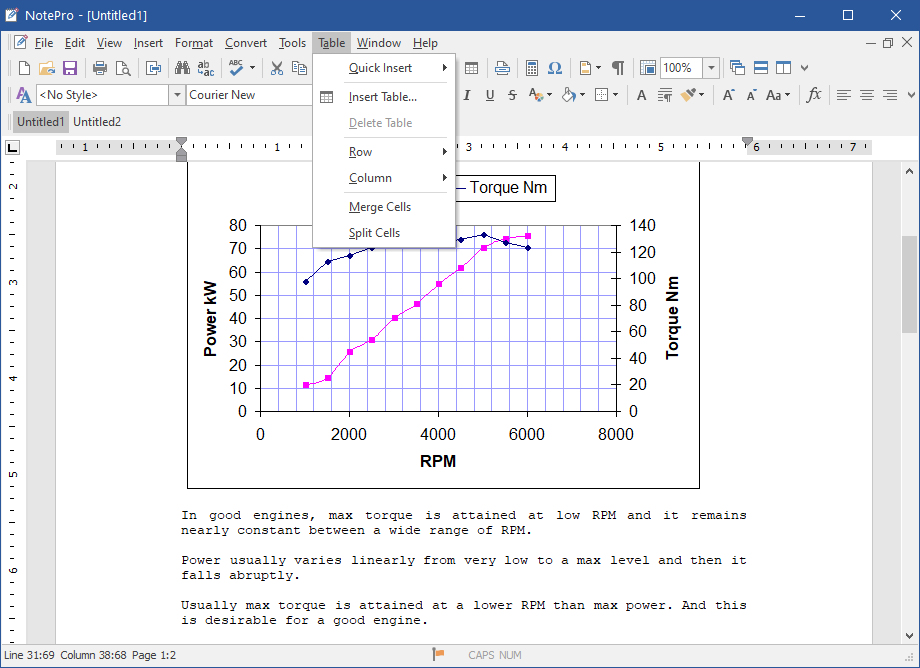
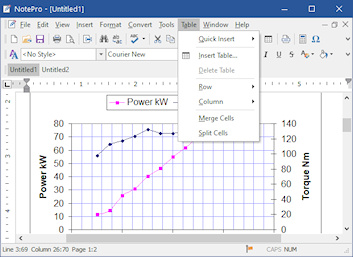
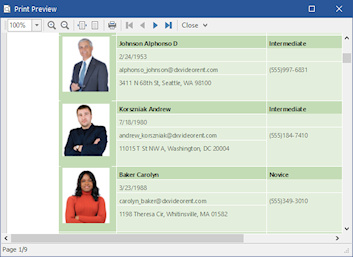
Three unusual features in a program in this price range are calculator and table features. The tables created are limited in the fact that you can have columns with different numbers of rows. However, if you just want to help format text, then they're a welcome addition.
All in all, NotePro is one of the best editors I've seen. It's packed full of features, is simple to use, fast in operation and well worth the asking price. If you want something that's better than WordPad but doesn't have the cost of Word, than I'd recommend you give NotePro a trial.


 English
 German
 French
 Spanish
 Italian
 Russian