|
Products
Andy Patterson |
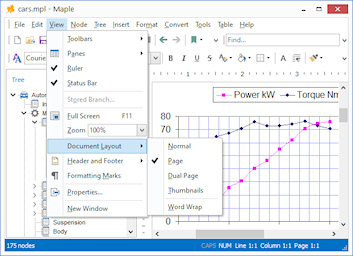
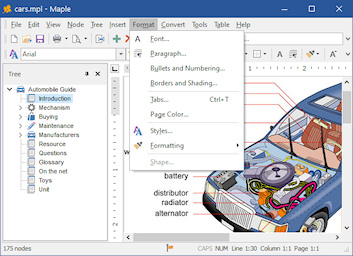
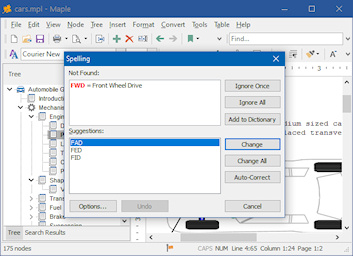
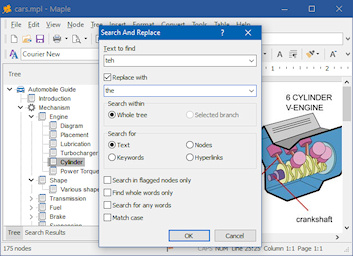
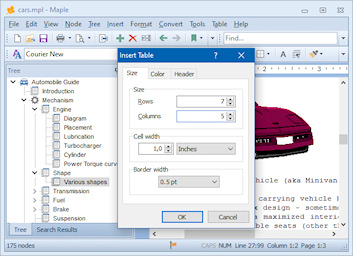
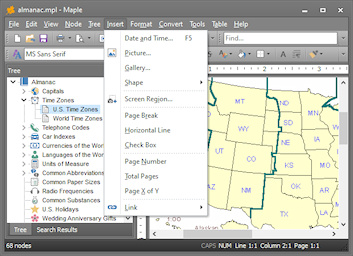
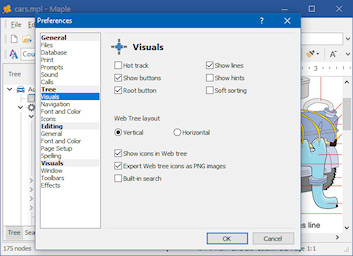
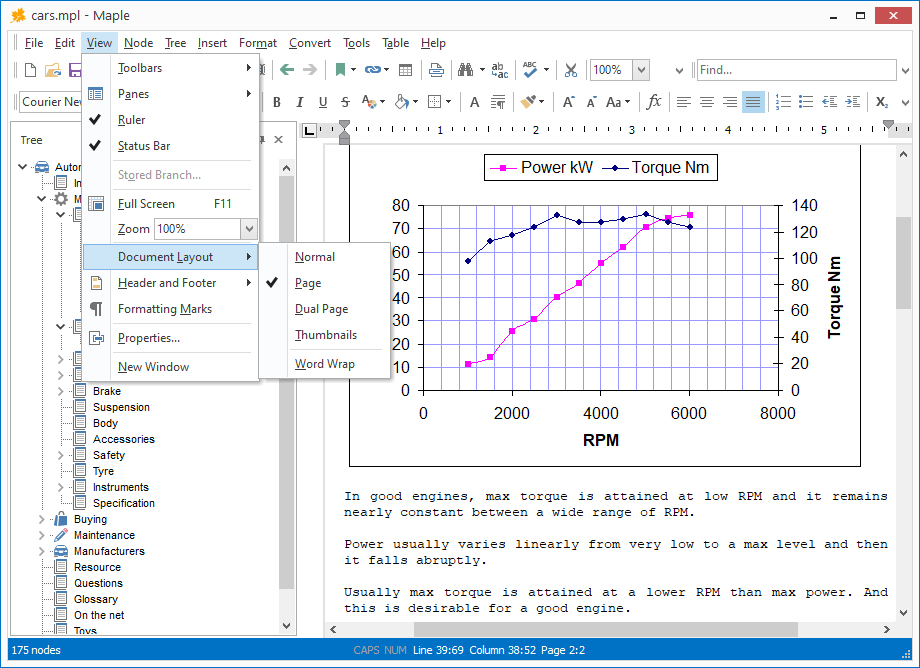
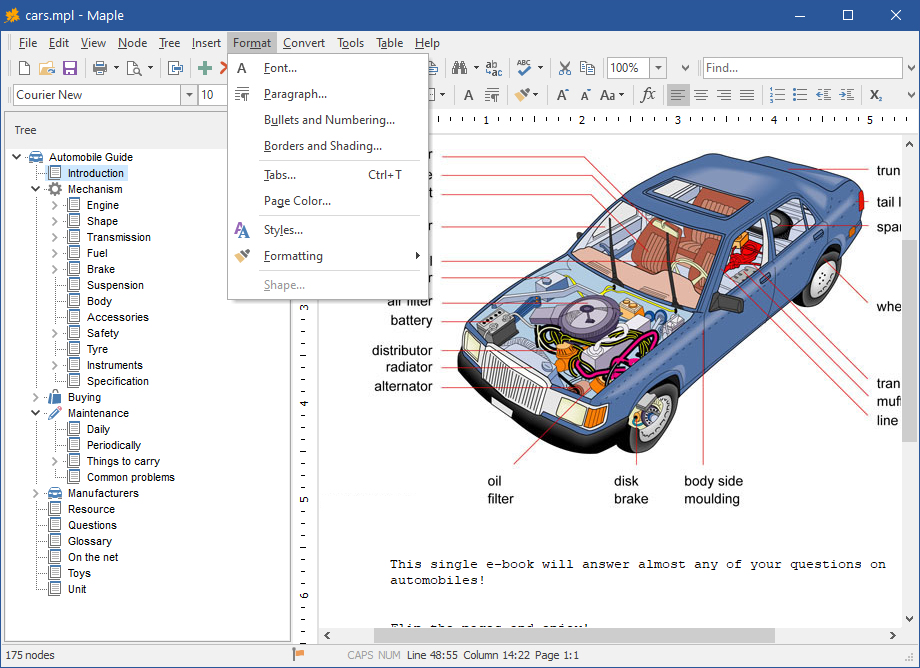
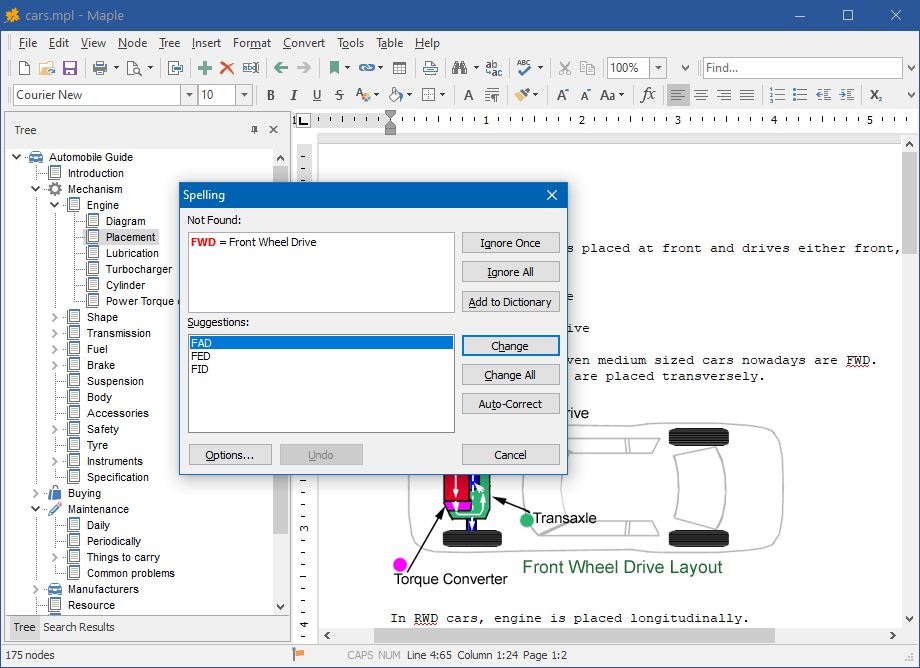
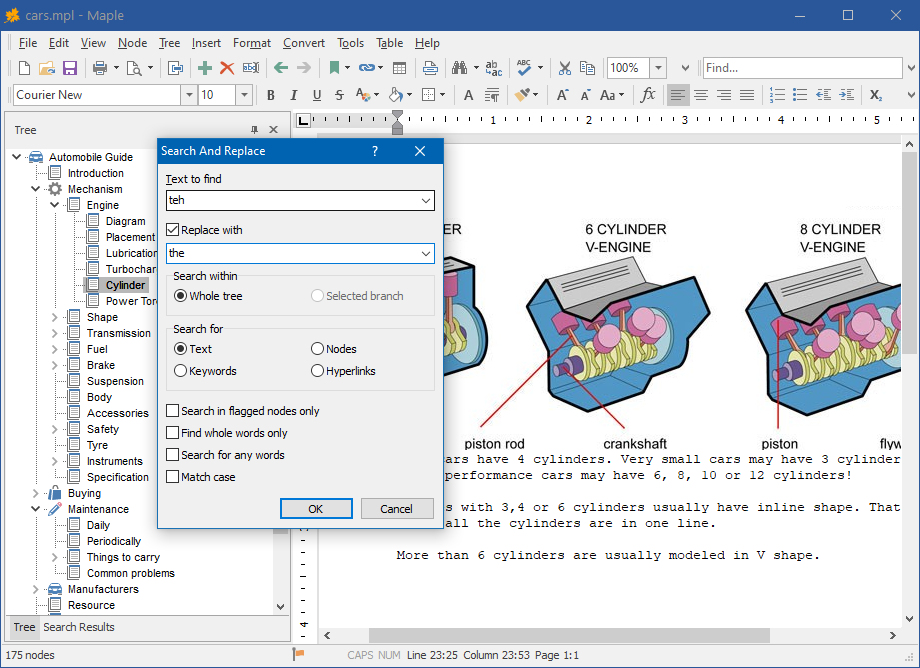
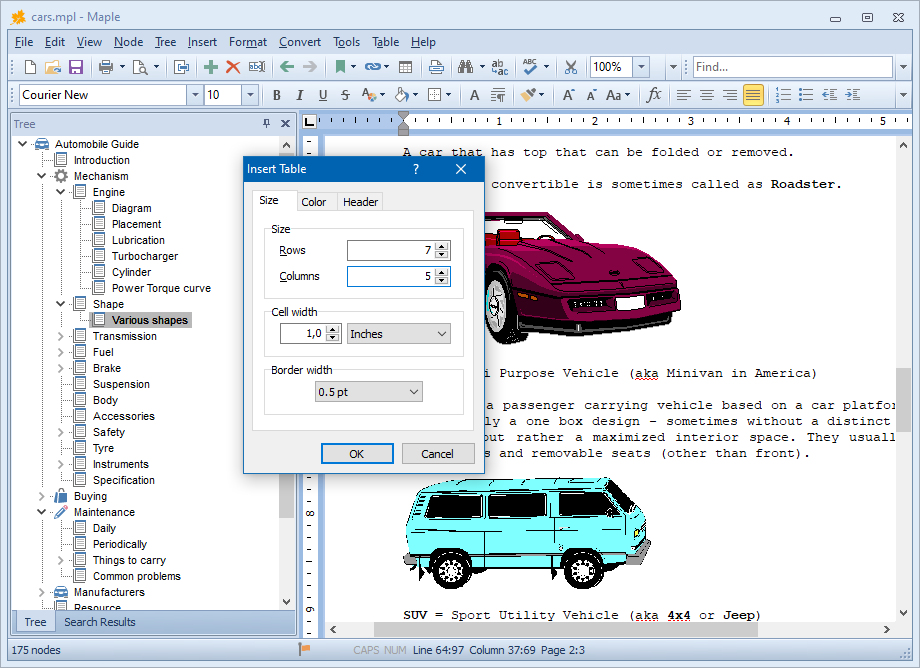
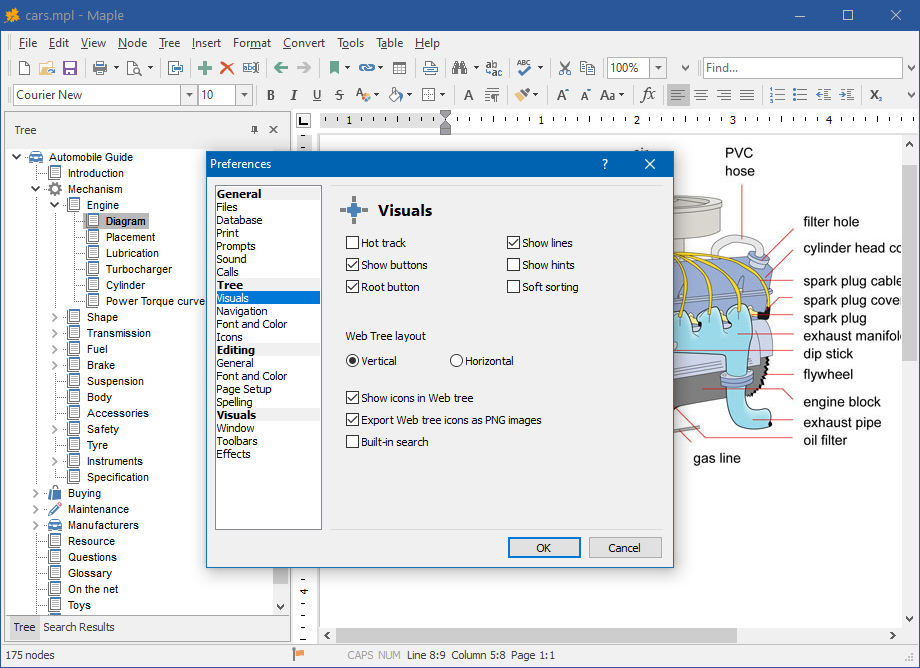
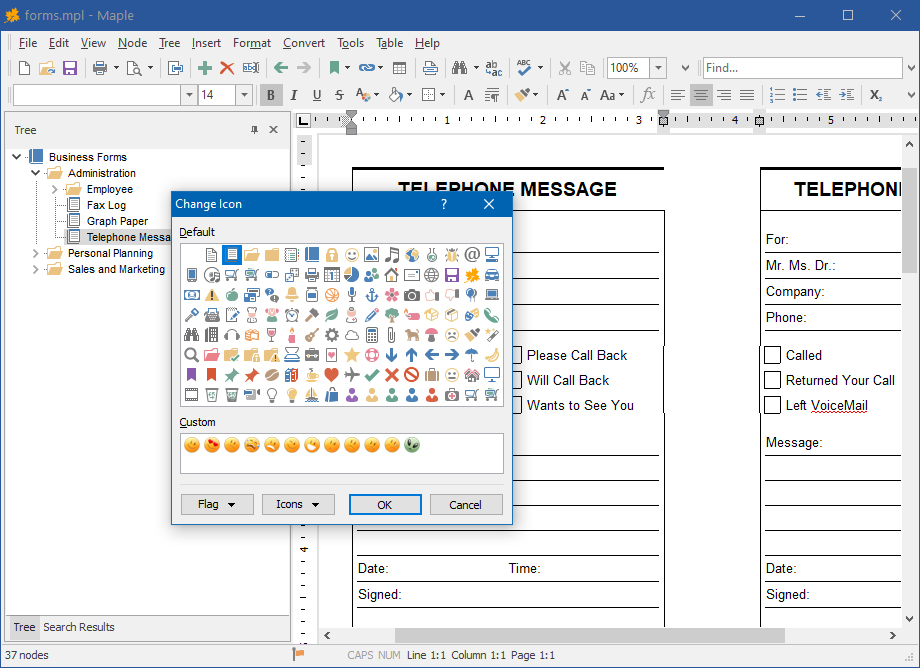
The dual-window interface, with quick-action hot buttons and drag-and-drop support, facilitates the building of your file tree. Selecting Add Node from the Tree menu creates a new "branch" for your growing tree, which you can name or later rename. You can create unlimited nodes and sub-nodes and assign any document to each node. Clicking on the Delete Children button will delete all child nodes of a selected node. Choosing Collapse All or Expand All will expand or collapse your tree. Maple imports and exports standard text files, Rich Text Format, Word, Windows Write, and HTML files used by Microsoft Word and other word-processors. Other options include complete control over text and tree appearance. Use any TrueType font installed on your system, control the font size and attributes (bold, italic, underscore, or strikethrough) Onscreen you can quickly increase or decrease text size, add super- or subscript text, and change the text alignment (flush left, centered, or flush right). You can also quickly create numbered or bulleted lists. You can also convert character sets from OEM to ANSI, and vice versa. Maple lets you create custom "styles" for your text - define a font, face, attributes, color, alignment, etc. - that lets you easily apply a style to specific text. Great for headers, captions, or entire paragraphs of text you need to distinctively separate. Maple also has a built-in Spell Checker, and let you embed or link to objects and images. Other features include changing the case of text to all upper or lower, and Character Map, font preview in the font selection window so you get a quick peek at what a font looks like, and print preview. A useful Preferences screen, accessible from the Tools menu, lets you minimize Maple to the system tray, activate an Autosave feature, and enable Delete Node confirmation so that you don't remove nodes by mistake. Word processor - full rich text editing of documents. Tree editing - create any tree structure you want. Drag and drop - rearrange the tree by dragging nodes to another location. Hyperlinks - links to nodes, documents, folders and programs, Web pages, email addresses.. Node icons - mark each node with its own icon. 100+ built-in icons! Images - insert, display, print, export, and print pictures and photos. Import/Export - an extremely wide range of import and export capabilities. Portability - run directly from any external disk. Unlimited dastabase size - store hundreds of images and dozens Mb of data. Supported languages: English, German, French, Dutch, Russian, Spanish, Catalan, Portuguese-BR.
Purchase You may try out Maple without any costs for the period of 30 days. If you wish to keep on using it after this period, you should purchase a license. Registration gains access to the some advanced features:
The price per single-user license is US$ 23.95.
If your company or institution is interested in licensing Maple
for several users, you can save a lot of money by purchasing a
multiple-user
license. Please click here to
find the price of Maple licenses. Download
|
||||||||||||||||||||||||||||||||||||||||||